






CatastRo provides access to services from the Spanish Cadastre. With CatastRo, you can download buildings, cadastral parcels, addresses and map imagery, geocode cadastral references and look up cadastral references from coordinates.
Install CatastRo from CRAN:
install.packages("CatastRo")Check the documentation for the development version at https://ropenspain.github.io/CatastRo/dev/.
You can install the development version of CatastRo from r-universe:
# Install CatastRo in R.
install.packages(
  "CatastRo",
  repos = c(
    "https://ropenspain.r-universe.dev",
    "https://cloud.r-project.org"
  )
)
Alternatively, you can install the development version of CatastRo with:
pak::pak("rOpenSpain/CatastRo")[!WARNING]
SSL issues
The SSL certificate of the Spanish Cadastre may cause an error when using CatastRo (especially on macOS, see issue #40):
In CatastRo >= 1.0.0, you can try to fix it by running this line after loading the package:
# Disable SSL verification
options(catastro_ssl_verify = 0)
If you wish to make this setup persistent, write the same code in your
.Rprofile:# ... other options... options(catastro_ssl_verify = 0)Modify your
.Rprofilewithusethis::edit_r_profile().
The functions of CatastRo are organized by source
service. The package naming convention is
catr_*service*_*description*.
OVC services cover geocoding and reverse geocoding with OVCCoordenadas, and province and municipality code lookup with OVCCallejero.
These functions use the catr_ovc_get_*() prefix and
return tibbles from the tibble package. See
vignette("ovcservice", package = "CatastRo") for a detailed
description of these functions.
INSPIRE functions return spatial objects from the Spanish Cadastre INSPIRE services using the sf or terra packages.
Note that these services cover 95% of the Spanish territory, excluding the Basque Country and Navarre1, which have their own independent cadastral offices.
There are three types of functions, each querying a different service:
The ATOM service downloads complete municipal datasets for different
cadastral elements. Results are returned as sf objects from
the sf package.
These functions use the catr_atom_get_*() prefix.
The WFS service downloads vector objects for specific cadastral
elements. Results are returned as sf objects from the sf package.
Note that there are restrictions on the extent and number of elements
that can be queried. For full municipal downloads, prefer the ATOM
service.
These functions use the catr_wfs_get_*() prefix.
The WMS service downloads georeferenced map images for different
cadastral elements. Results are returned as SpatRaster
objects from the terra
package.
There is a single function for querying this service:
catr_wms_get_layer().
Please check the service terms of use.
This script highlights some features of CatastRo:
library(CatastRo)

catr_ovc_get_cpmrc(rc = "13077A01800039")
#> # A tibble: 1 × 10
#>   xcoord ycoord refcat     address pc.pc1 pc.pc2 geo.xcen geo.ycen geo.srs ldt
#>    <dbl>  <dbl> <chr>      <chr>   <chr>  <chr>  <chr>    <chr>    <chr>   <chr>
#> 1 -3.46 38.6 13077A018… DS DIS… 13077… 18000… -3.4575… 38.6184… EPSG:4… DS D…catr_ovc_get_rccoor(
lat = 38.6196566583596,
lon = -3.45624183836806,
srs = "4230"
)
#> # A tibble: 1 × 8
#> refcat address pc.pc1 pc.pc2 geo.xcen geo.ycen geo.srs ldt
#> <chr> <chr> <chr> <chr> <dbl> <dbl> <chr> <chr>
#> 1 13077A01800039 DS DISEMINADO P… 13077… 18000… -3.46 38.6 EPSG:4… DS D…bu <- catr_atom_get_buildings("Nava de la Asuncion", to = "Segovia")
# Map.
library(ggplot2)
ggplot(bu) +
geom_sf(aes(fill = currentUse), col = NA) +
coord_sf(
xlim = c(374500, 375500),
ylim = c(4556500, 4557500)
) +
scale_fill_manual(values = hcl.colors(6, "Dark 3")) +
theme_minimal() +
labs(title = "Nava de la Asunción, Segovia")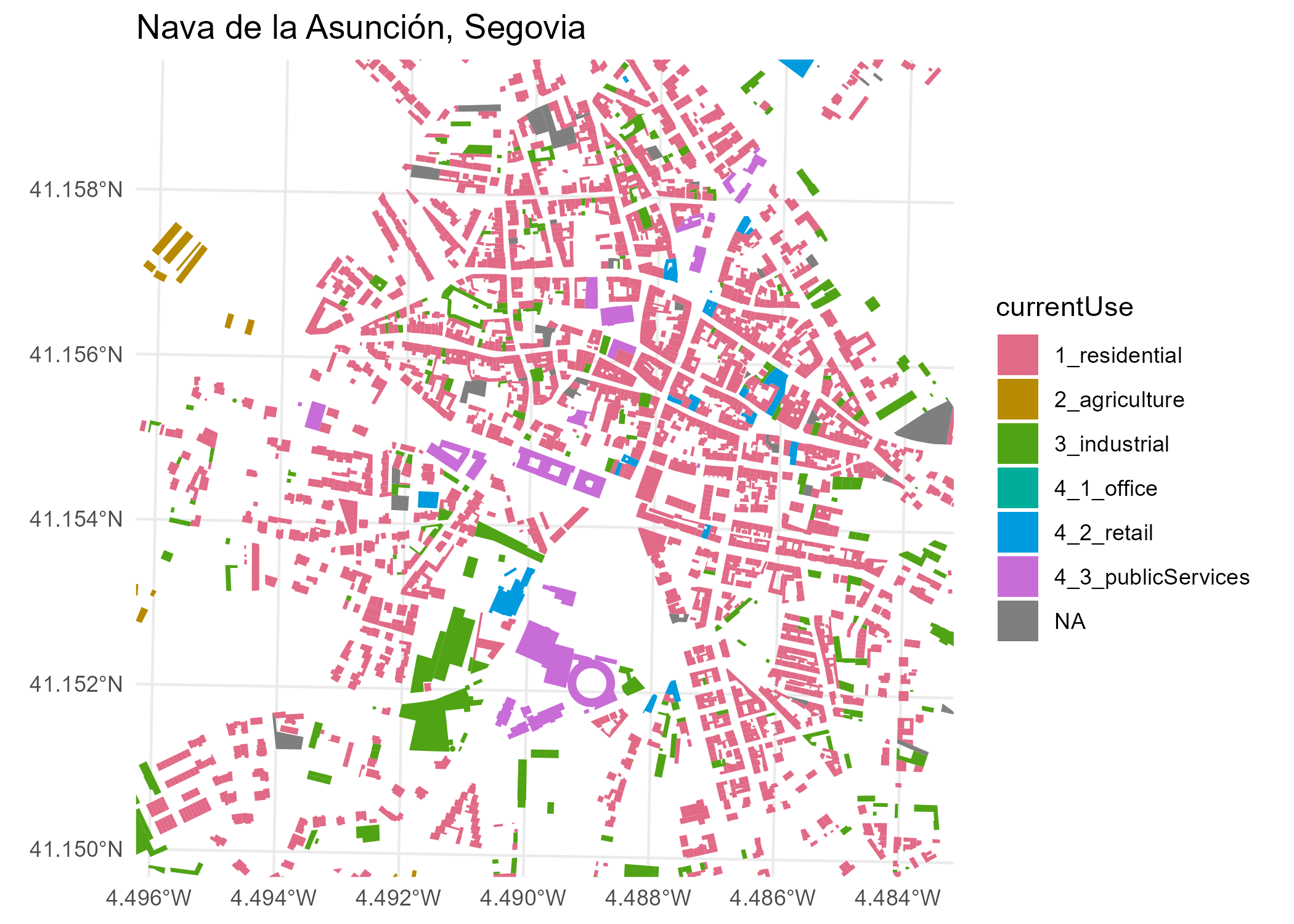
wfs_get_buildings <- catr_wfs_get_buildings_bbox(
  c(-4.134, 40.952, -4.131, 40.953),
  srs = 4326
)

# Map.
ggplot(wfs_get_buildings) +
  geom_sf() +
  labs(title = "Alcázar of Segovia, Segovia, Spain")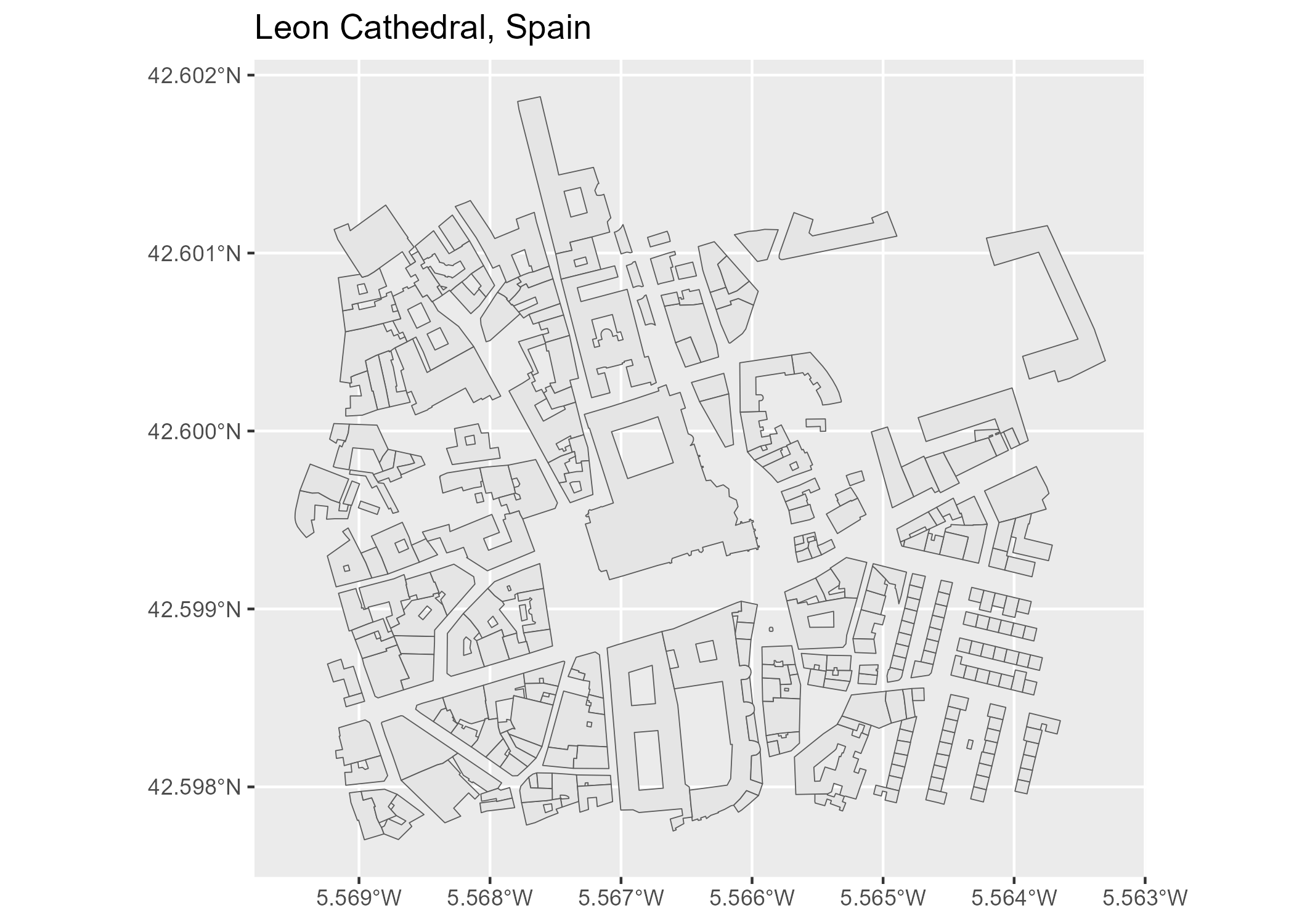
Some datasets and tiles may exceed 50 MB. You can set a local cache directory using the following function:
catr_set_cache_dir("./path/to/location")When this option is set, CatastRo looks for cached files and loads them, which speeds up repeated queries.
Delgado Panadero Á, Hernangómez D (2026). CatastRo: Interface to the API Sede Electrónica Del Catastro. doi:10.32614/CRAN.package.CatastRo. https://ropenspain.github.io/CatastRo/.
A BibTeX entry for LaTeX users is:
@Manual{R-CatastRo,
  title = {{CatastRo}: Interface to the {API} Sede Electrónica Del Catastro},
  author = {Ángel {Delgado Panadero} and Diego Hernangómez},
  doi = {10.32614/CRAN.package.CatastRo},
  year = {2026},
  version = {1.0.2},
  url = {https://ropenspain.github.io/CatastRo/},
  abstract = {Access public spatial data from the Spanish Catastro through its INSPIRE and related web services. Retrieve parcel, building, address and map image data, and convert between parcel references and coordinates.},
}Check the GitHub page for the source code.
The package CatastRoNav provides access to the Cadastre of Navarre, with similar functionality to CatastRo.↩︎